AI-generated illustration — not a retailer product photo.
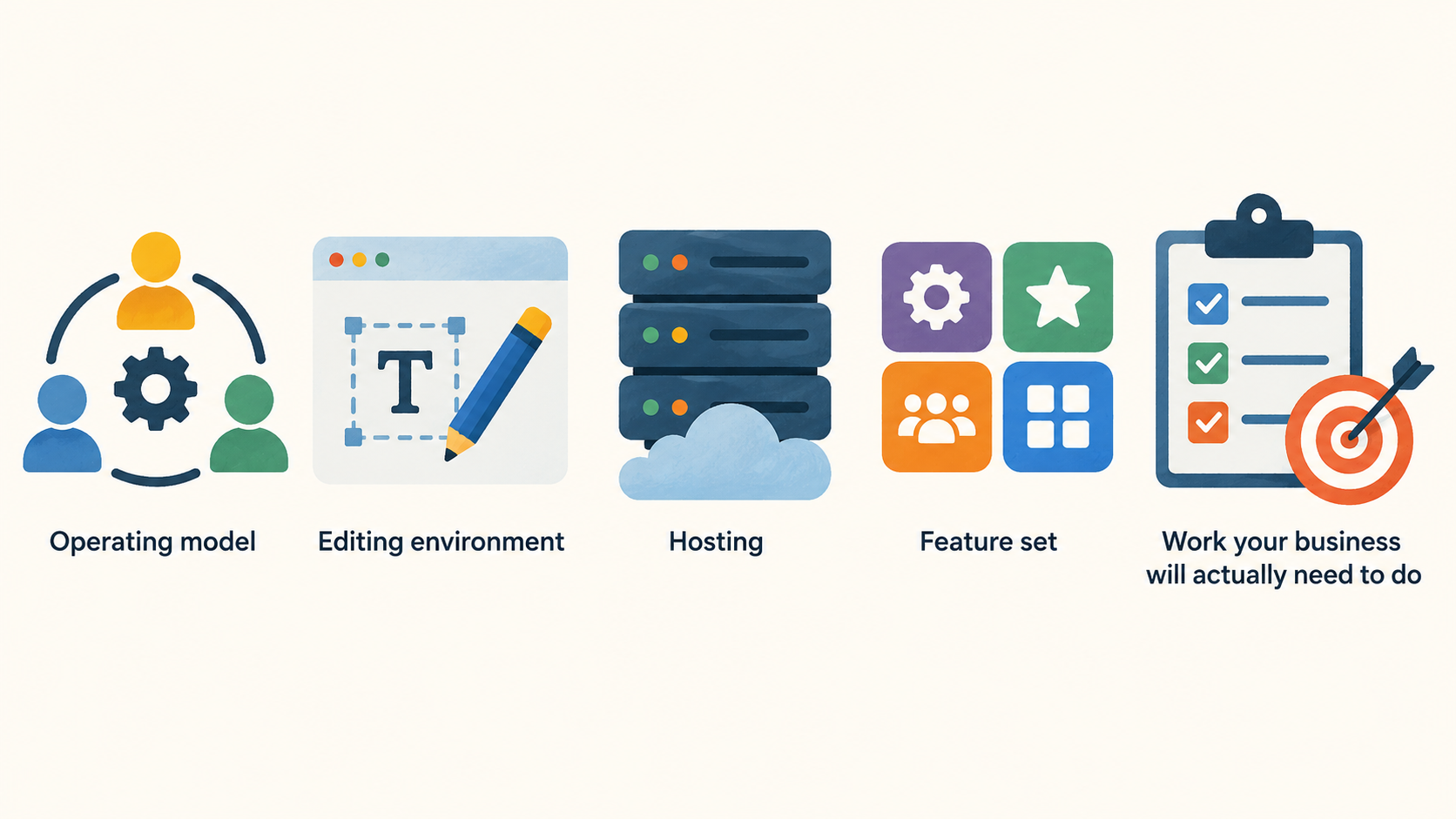
A low introductory monthly figure can make two website plans look directly comparable when they are not. A builder typically combines the editing environment, hosting and a curated feature set. A hosting plan can provide the infrastructure for several different ways of building, including WordPress or custom code. Long-term value comes from matching that scope to the work your business will actually need to do.
How to Evaluate Long-Term Website-Platform Value
AI-generated illustration — not a retailer product photo.
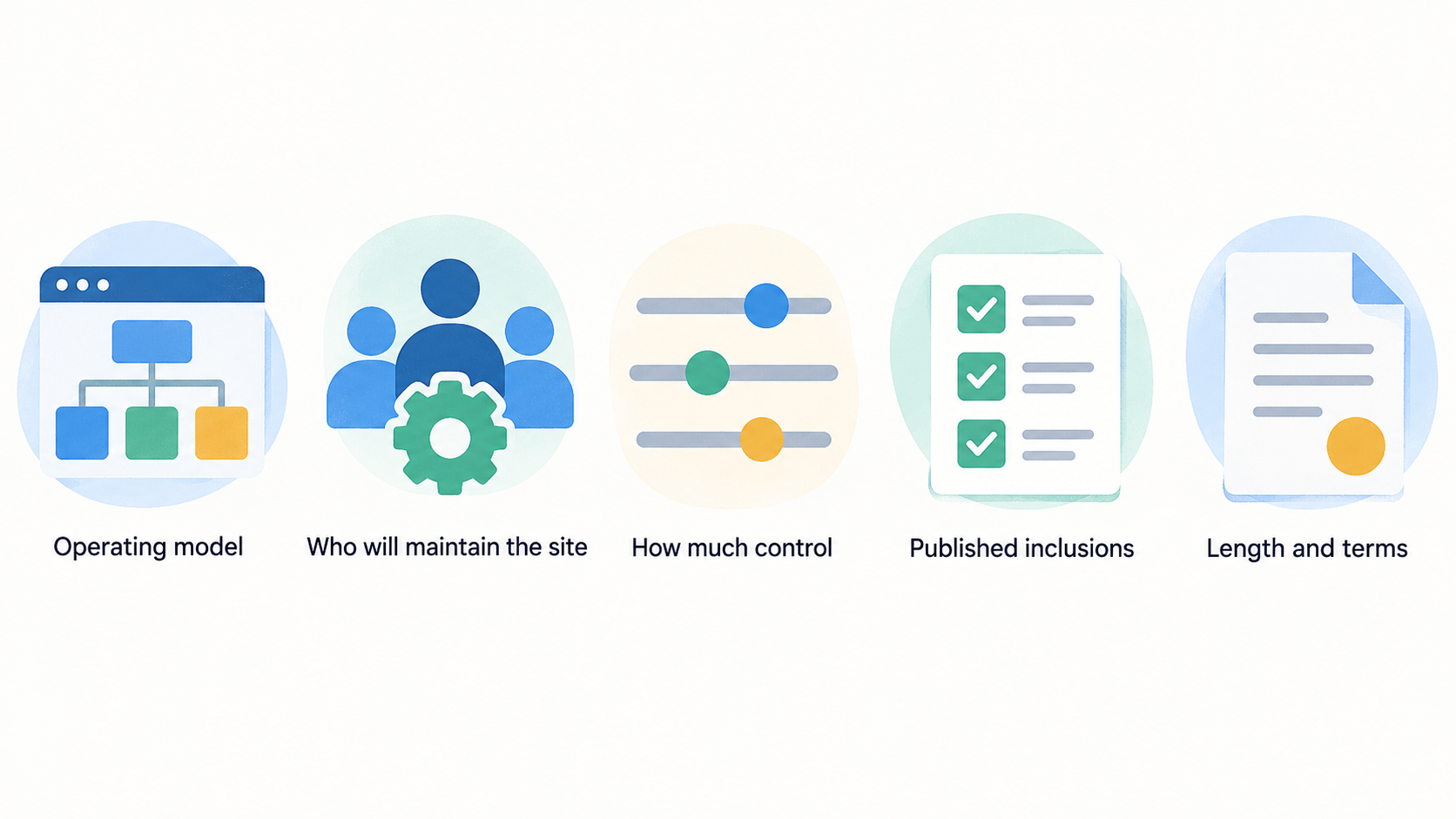
Start with the operating model, not the promotion. Ask what you need to publish, who will maintain the site, whether you will sell online, and how much control your team needs over the underlying build. Then compare the plan’s published inclusions with the length and terms of the subscription you are considering.
For a UK small business, the useful comparison is rarely “which headline price is lower?” It is whether the package removes work you would otherwise buy or manage separately. A builder may bring together templates, hosting, a domain offer, design tools, support and commerce features. Hosting may give you a choice of WordPress, a drag-and-drop builder, code-based development and capacity for more than one site. Neither model automatically represents better value.
Use a two-year view. Record the initial billing commitment, what changes at renewal, the features you would otherwise need, and the effort involved if your needs outgrow the plan. This makes a promotional rate one line in the decision rather than the decision itself.
Where Website Builders Can Create Value
AI-generated illustration — not a retailer product photo.
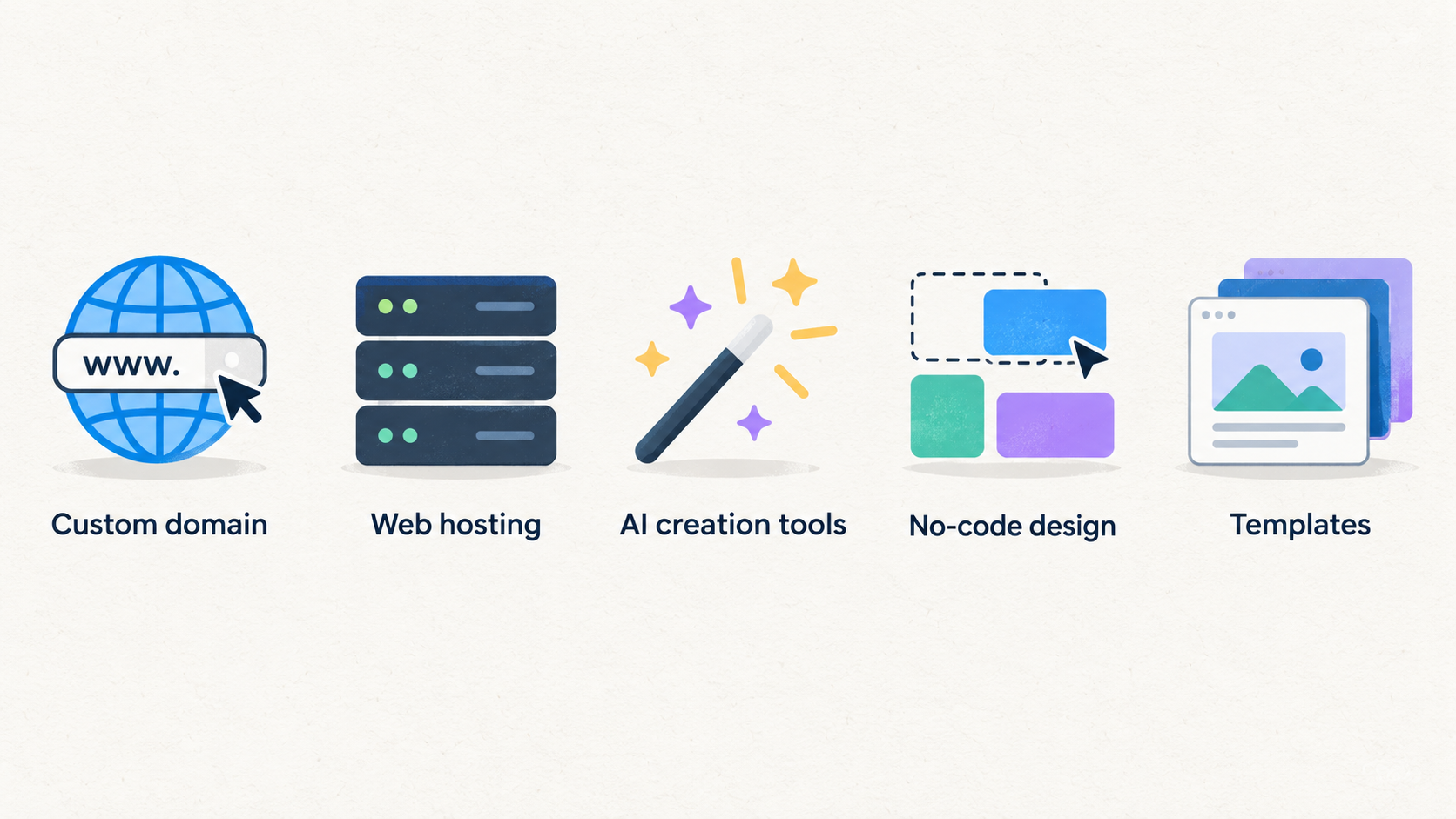
An all-in-one builder can be valuable when the priority is to get a professional site live without assembling separate services. Wix says its plans include a custom domain, web hosting, AI creation tools, 24/7 customer care and a 14-day money-back guarantee. Its free tier also includes hosting, a drag-and-drop editor, no-code design features and templates, while paid plans add progressively broader allowances and business capabilities.
The progression matters more than the plan names. On Wix’s published comparison, Light has 2 GB of storage and two collaborators; Core lists 50 GB and five collaborators; Business lists 100 GB and 10 collaborators; and Business Elite lists unlimited storage and 100 collaborators. The higher paid levels also add different marketing, payment, ecommerce, scheduling and developer-platform capabilities. These are useful signals if a site may move from a simple brochure presence to a team-managed or revenue-generating operation.
Squarespace similarly shows how a builder’s value can sit in the bundle. Its pricing page lists templates, a drag-and-drop editor, domain eligibility subject to its terms, mobile optimisation, SEO tools, SSL security and 24/7 support across its plan structure. The feature comparison also distinguishes storage, contributors, AI credits, code options and ecommerce transaction-fee levels between plans.
Choose this route when reducing setup and administration is more useful than choosing every technical component separately. Before committing, identify the first feature that would force an upgrade: more collaborators, larger media needs, advanced code controls, deeper commerce, or a different marketing workflow.
Where Web Hosting Can Create Value
AI-generated illustration — not a retailer product photo.
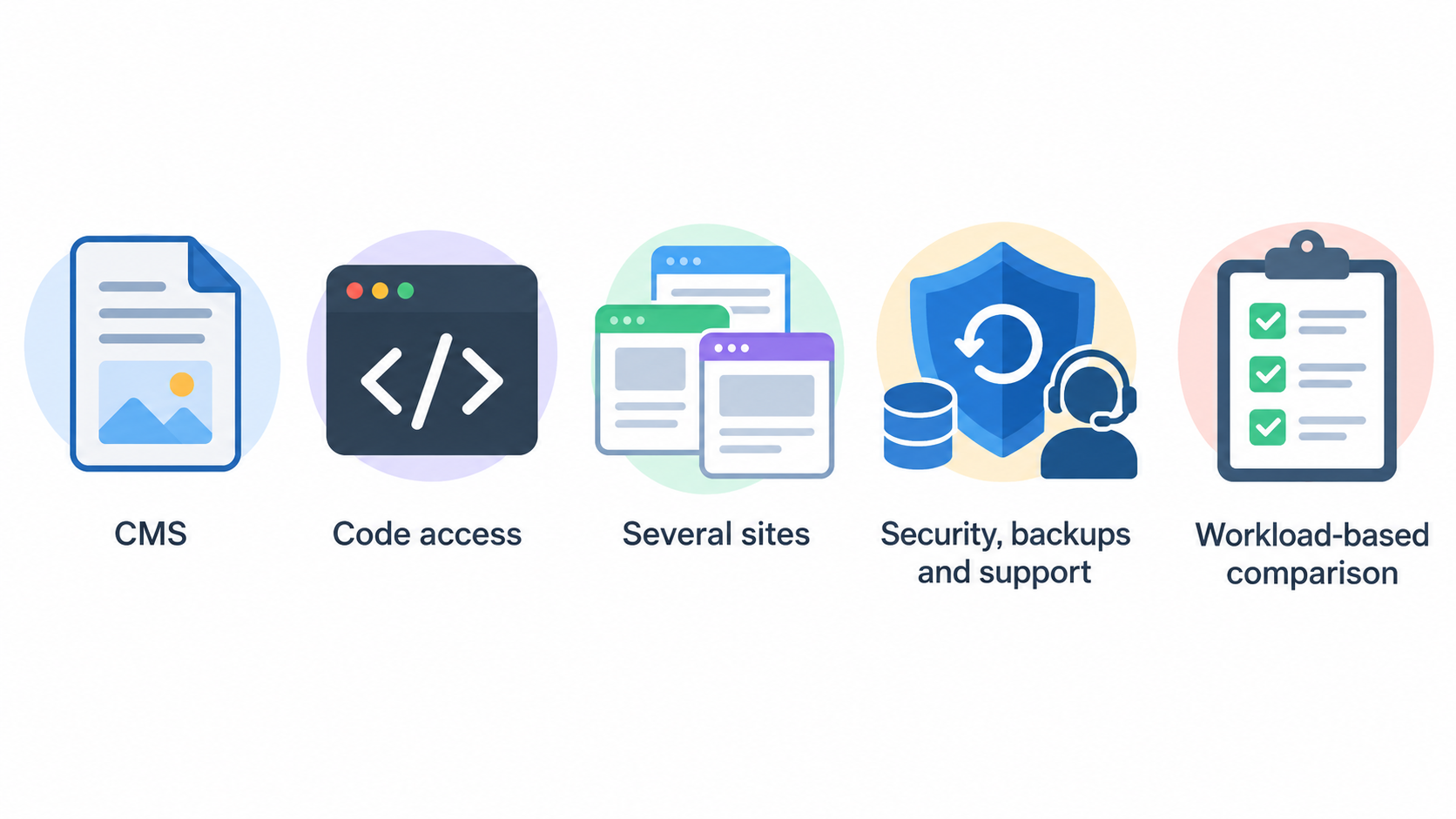
Web hosting can create more useful flexibility when your team has already chosen a CMS, wants code access, or expects to operate several sites. Hostinger’s UK web-hosting page says its plans can be used with AI tools, WordPress, a drag-and-drop website builder or code, and that domain, email and SSL are included in the stated offering. It also presents security, backups and support as part of the service.
The plan range demonstrates why hosting needs a workload-based comparison. In the supplied UK plan information, Single is presented for one website with 10 GB SSD storage and weekly backups. Premium lists three websites, 20 GB SSD storage and weekly backups. Unlimited lists unlimited websites, 50 GB NVMe storage and daily backups with easy restore, while Cloud Startup lists unlimited websites, 100 GB NVMe storage and daily plus on-demand backups.
Those differences are not simply a capacity score. One site with occasional updates has different needs from a content portfolio, an agency managing several client properties, or a business with a site that needs frequent recovery options. The ability to use WordPress, Node.js or a code-based route may be valuable only if someone can manage that choice—or if the business has a partner who can.
Hosting is therefore strongest when flexibility is a genuine requirement, not when it is merely a theoretical possibility. Confirm site-count limits, storage type, backup cadence, email needs and the specific software or build path before treating a higher plan as an upgrade worth paying for.
Calculate Value Beyond the Introductory Rate
Make the comparison in three columns: the initial term, the next subscription period, and a future change of platform. For each plan, note the billing length, currency and tax treatment shown on the local pricing page before you convert a displayed monthly figure into a budget.
Wix explicitly states that displayed prices are for yearly subscriptions paid in full, that prices and currency vary by location, and that applicable taxes are determined by the billing address. Its page also says additional subscription periods are available. Hostinger’s supplied UK page presents a selectable subscription length and shows a 48-month option alongside promotional discounts. Squarespace says annual payment can save up to a stated percentage compared with monthly payment. These conditions mean an advertised “per month” amount may be an annualised view of a longer upfront commitment, rather than the amount you will pay each month.
Next, list what each plan includes that you would otherwise source separately. Depending on the published plan, that can include a first-year domain, hosting, SSL, email, backups, website-building tools, support, ecommerce functions or marketing tools. The point is not to assign made-up market prices to those items; it is to establish whether they are required for your business and whether the plan’s version is sufficient.
Then add the less visible costs. These can include renewal terms, paid add-ons, extra storage or collaborators, commerce-related terms, professional help, team administration and time spent moving to another platform. A simple worksheet might use:
two-year cost view = first-term payment + expected renewal-period payment + required add-ons + administration or migration allowance
This is a planning tool, not a promise of what any provider will charge. Recheck current local prices and conditions at the point of purchase, and keep the plan page or checkout summary with your decision record.
Limits and Switching Costs to Check First
A generous bundle can still be a poor fit if a constraint affects everyday work. Check the published limits that map to your workload: storage, number of sites, contributors, backup frequency, AI credits, email accounts, integration options and the level of commerce tooling. Wix’s plan table differentiates storage and collaborator allowances. Squarespace differentiates items such as video storage, contributors, AI credits, code features and transaction-fee categories. Hostinger differentiates site allowances, storage types and backup schedules.
Also separate service availability from a guarantee of a particular outcome. Wix and Hostinger advertise 24/7 customer care or support in the supplied information, and Squarespace lists 24/7 customer support. That can be important operational cover, but it does not remove the need to understand who in your team owns content, domain settings, payments, integrations and incident decisions.
Finally, investigate exit readiness before you are under pressure to leave. Ask how you would export content, retain a domain, recreate key design elements, transfer analytics access and replace any platform-specific commerce or automation workflow. The amount of work will depend on what you build and how tightly it relies on the chosen platform, so it should be assessed as a risk to validate rather than assumed as a fixed switching cost.
Choose the Plan That Fits Your Next Two Years
Use a fit-based decision instead of looking for a universal winner.
A solo creator or local service business may value a builder when a simple, managed site and low day-to-day technical overhead matter most. A seller should compare payment, ecommerce, scheduling, transaction-term and marketing features at the level they are likely to need, rather than assume a basic plan will remain adequate. A content-heavy or multi-site operator may place more weight on storage, backup cadence, site allowances and the ability to use a preferred CMS or custom code.
For a team, ownership questions are often decisive. Who can edit pages? Who controls the domain and billing account? Do collaborators need distinct access? Will a developer need code features later? Wix’s published range shows collaborator limits increasing across plans, while Squarespace’s comparison distinguishes contributor and code capabilities. Those details can make a lower-cost plan unsuitable before traffic or revenue becomes the issue.
Before purchase, run a short checklist:
- Confirm the actual commitment, renewal conditions, currency and taxes for your UK billing address.
- Match storage, site count, collaborator access and backup needs to a realistic next-two-year workload.
- Check the exact commerce, payment, email, marketing and code features you require.
- Decide who owns administration and what level of support is enough for that person.
- Document how you would keep the domain, content and essential data if you later change providers.
The best-value plan is the one whose published scope covers the work you expect without paying early for capacity you will not use—or creating a hurried migration when your operation grows.
Frequently Asked Questions
Are website builders cheaper than web hosting in the long run?
Not necessarily. A builder can reduce the number of services you need to coordinate by packaging hosting, editing tools and selected business features. Hosting can be more economical or more flexible when you need several sites, a chosen CMS or a code-based build path. Compare the whole subscription commitment, renewal period, required features and administration effort rather than only the promotional rate.
Should I choose a plan with a free domain for the first year?
A first-year domain can be useful, but it should not determine the choice on its own. Check the domain’s later renewal terms, who controls the registration, whether the plan meets your wider requirements, and how you would keep the domain if you changed platform. Wix and several Hostinger plans in the supplied information list a free domain for one year; that inclusion is only one part of the longer-term cost picture.
What should I check before a promotional website-plan price renews?
Check the billing commitment behind the displayed rate, the next-period price and any applicable taxes. Review which features you are using, whether you need an add-on or higher tier, and whether storage, collaborators, site limits, backups or commerce terms have become material. Confirm the current local pricing page and checkout details before renewing.
When is it worth moving from a website builder to managed hosting?
Consider it when a chosen CMS, custom-code workflow, multi-site setup, recovery requirement or technical integration becomes central to your business and the current builder plan no longer supports it well. Do not move merely because hosting appears more flexible. First map the content, domain, analytics, payments and integrations you would need to preserve, then compare that migration effort with the value of the extra control.
Before you commit, compare the current local plan details against your checklist and choose the option that your team can operate confidently for the next stage of growth.
Sources
Related reading
- SiteGround review: who it suits and who should skip it
- Squarespace review: practical website-builder assessment for UK creators
- How a website platform should fit your workflow and perform over time
- How to identify genuine website-builder and web-hosting deals
Editorial information: About our editorial team · Read our editorial policy · Read our affiliate disclosure.