AI-generated illustration — not a retailer product photo.
Choosing between a website builder and web hosting is less about finding a universal winner and more about matching an operating model to the way you work. A managed builder can remove setup work and place design, hosting and business features in one service. Conventional hosting can give you more choice over how the site is built and run. The best fit depends on your skills, launch timetable, selling or booking needs, support expectations and the limits of the exact plan you are considering.
Start with the operating model, not the brand
AI-generated illustration — not a retailer product photo.
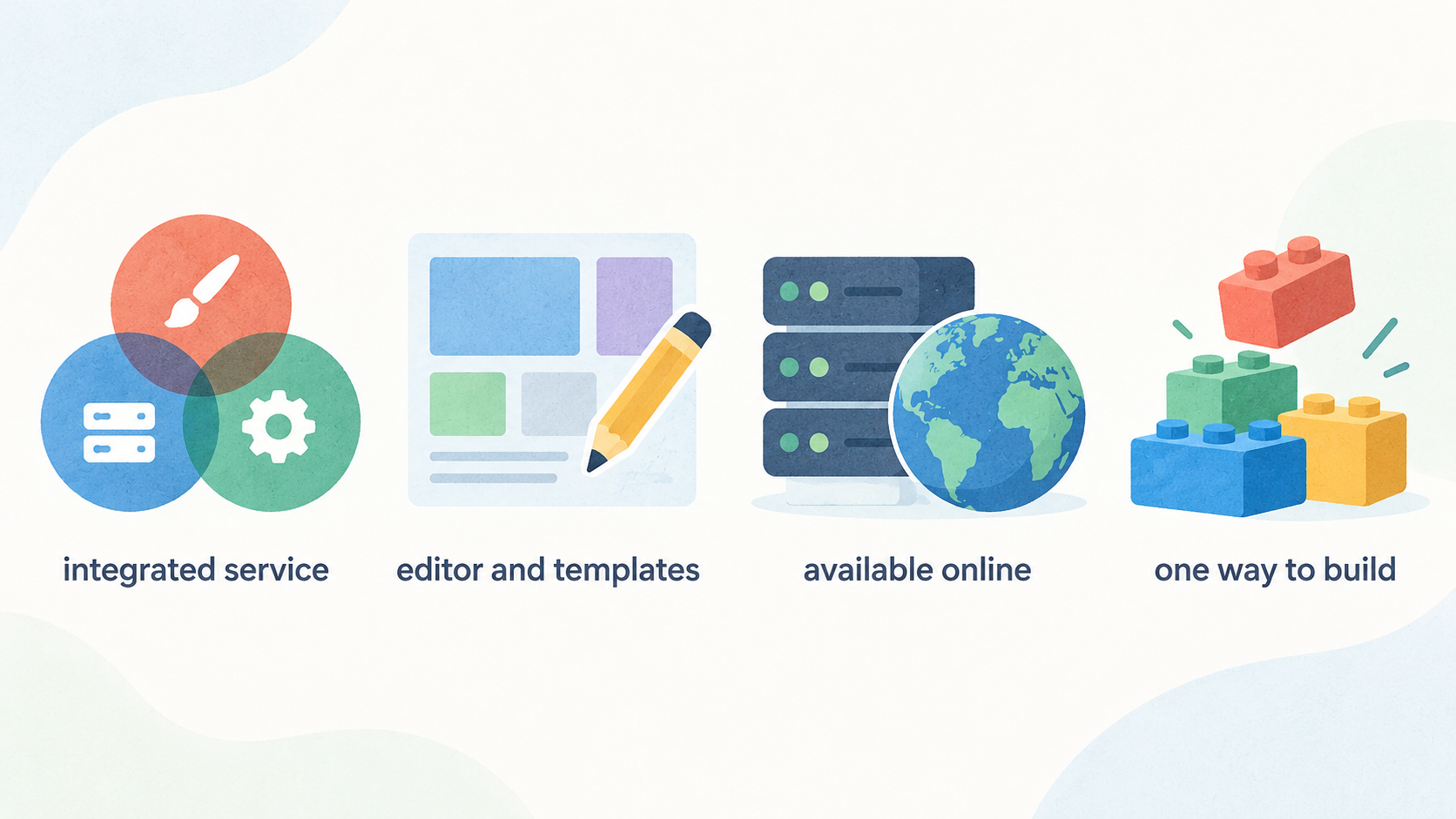
A website builder is usually an integrated service: you use the provider’s editor and templates while the provider runs the hosting underneath. Wix, for example, describes its free offering as including reliable hosting, a drag-and-drop editor, no-code design features and templates; its paid plans layer in different storage, collaborator and business-feature allowances. This can suit a sole trader or small team that wants one place to design, publish and maintain a straightforward site.
Conventional web hosting is the service layer that makes a website available online. It does not dictate one way to build. Hostinger’s UK hosting plans list options including WordPress, a drag-and-drop builder, Node.js and code, so the same hosting purchase can support a no-code site today or a more customised build later. That flexibility is valuable when your team already has a preferred platform, developer or agency.
Start with your operating reality. Who will publish updates? How quickly must the site launch? Do you need product sales, appointments, member content or only a clear brochure site? And when something goes wrong, do you want a single support relationship or the freedom to choose and connect specialist tools? The answers matter more than a headline “from” price.
Where managed website builders are strongest
AI-generated illustration — not a retailer product photo.
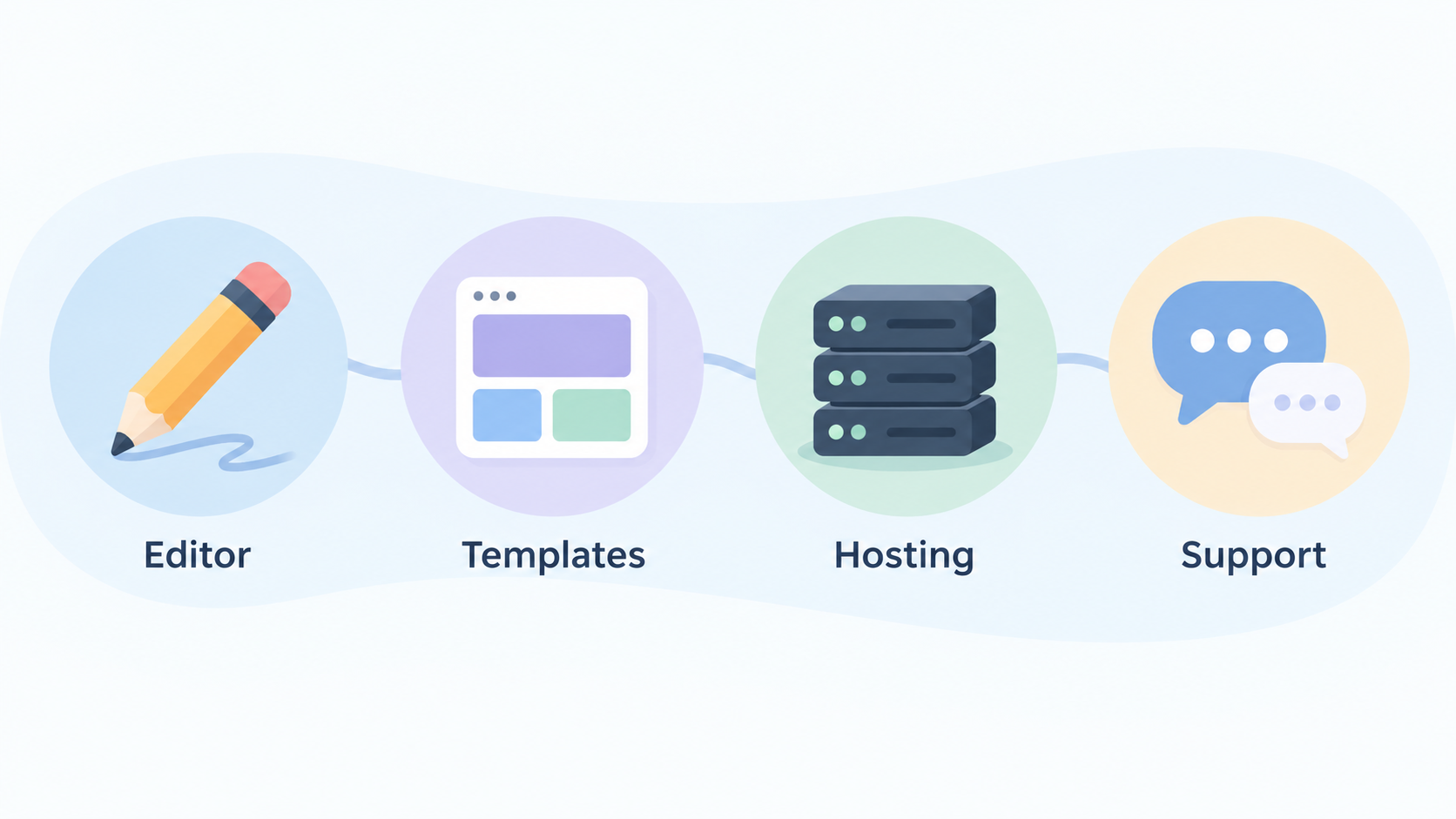
Managed builders are strongest when reducing operational decisions is more important than selecting every component. The editor, templates, hosting and support are designed to work together, which gives a non-technical owner a shorter path from first idea to a published site. Wix states that all its paid plans include a custom domain, hosting, AI creation tools, 24/7 customer care and a 14-day money-back guarantee, although the exact availability and terms should be confirmed for your location and checkout.
The tier structure also shows why a builder can be useful when business workflows are known in advance. On the supplied Wix plan page, Light is aimed at basics and includes 2 GB storage and two collaborators. Core and Business add progressively broader marketing, payments, ecommerce, scheduling and service capabilities; Business Elite lists unlimited storage, advanced ecommerce and up to 100 site collaborators. In other words, the service can bundle several jobs that might otherwise require separate choices.
Squarespace’s published pricing page illustrates the same general pattern. Its plans compare templates, drag-and-drop editing, mobile optimisation, SEO tools, support, contributors, storage, payment acceptance and commerce capabilities at different levels. A creator who wants a portfolio, newsletter, services page or a modest shop may prefer this tightly integrated route because fewer moving parts need to be selected and connected.
That convenience is especially practical if your team wants to spend its time on copy, images, offers and customer enquiries rather than server settings. It does not mean every builder is interchangeable: compare the plan’s contributor allowance, storage, selling features and integrations against the work you expect to do in the next year.
Where conventional web hosting is strongest
AI-generated illustration — not a retailer product photo.
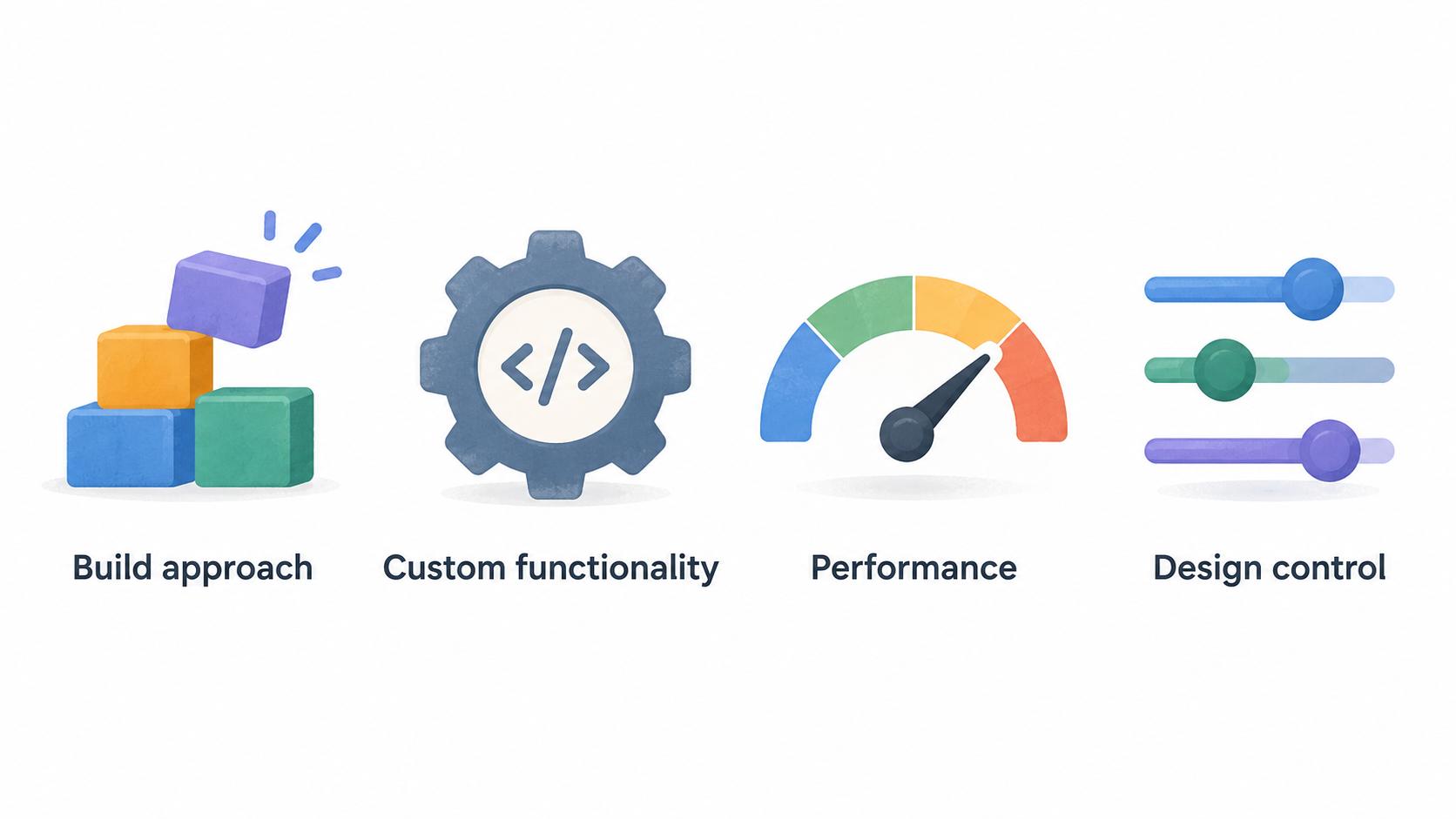
Conventional hosting is strongest when the build approach itself is a meaningful choice. You may want WordPress because an existing editor or agency knows it, a Node.js application because the site has custom functionality, or a coded site because performance and design control are central to the project. Hostinger explicitly lists WordPress, Node.js, drag-and-drop building, AI tools and coding-oriented options on its UK hosting plans, illustrating how hosting can support several routes rather than one prescribed editor.
This does not necessarily mean assembling everything from scratch. Hostinger also lists domains, email, SSL, backups, CDN, ecommerce tools and 24/7 support across its marketed hosting range, with the allocation changing by plan. A hosting-led choice can therefore combine managed operational services with more freedom over the site software.
That model can be a sound fit for a growing business with an external developer, a team that expects to change platform components, or an organisation with several sites. The supplied Hostinger comparison moves from one site and 10 GB SSD storage on Single, through three sites and 20 GB on Premium, to unlimited sites with 50 GB NVMe storage on Unlimited and 100 GB NVMe storage on Cloud Startup. Those differences are not merely technical specifications: they affect whether the plan fits your site count, media needs and maintenance arrangement.
Choose this route because the additional control solves a real requirement, not because “hosting” sounds inherently more professional. A flexible stack still needs someone to make decisions about setup, updates and the boundaries between the host, the website software and any third-party tools.
Builder trade-offs to check before committing
A builder’s simplicity can become a constraint if the plan does not cover the workflow you will need later. Check storage first if you publish video, high-resolution portfolios or downloadable resources. Wix’s published range moves from 2 GB on Light to 50 GB on Core, 100 GB on Business and unlimited storage on Business Elite. Contributor limits also differ: Light lists two collaborators, Core five, Business 10 and Business Elite 100.
Then assess commercial features in detail. The Wix excerpt places payments, ecommerce, scheduling and services at different plan levels, while Squarespace’s feature comparison distinguishes transaction fees, video storage, contributor access, advanced code facilities and commerce capabilities. A plan that can display products is not automatically the right plan for subscriptions, courses, appointments, project invoices or advanced marketing.
Pricing needs equally careful reading. Wix says displayed prices vary by location, show USD for reference, apply to annual subscriptions paid in full, and exclude applicable tax determined by billing address. Squarespace advertises a saving for annual payment. Treat introductory and annualised figures as prompts to inspect the checkout, not as a universal monthly cost for a UK business.
Finally, consider the cost of changing direction. Before building heavily around a template or built-in feature, establish what content, domain settings and business data you will need to retain if the service no longer fits. That is not an argument against builders; it is a reason to select a plan with your foreseeable needs, rather than today’s minimum, in mind.
Hosting trade-offs to check before committing
Hosting flexibility comes with a division of responsibilities. The host may provide infrastructure and selected operational features, but you still need clarity about who chooses the site software, configures it, keeps it current and resolves a problem that spans a plugin, theme, application or external service. If nobody on the team owns those decisions, a technically broad hosting plan may create delay rather than freedom.
Read the allocation, not only the plan name. In the supplied Hostinger comparison, Single includes one website, 10 GB SSD storage and weekly backups; Premium lists three websites and 20 GB SSD storage; Unlimited lists unlimited websites, 50 GB NVMe storage, daily backups and easier restore; Cloud Startup lists 100 GB NVMe storage plus daily and on-demand backups. Domain and mailbox allowances also vary across the plans and subscription conditions shown.
Backup cadence, restore options, email, CDN and support are operational choices with business consequences. A small brochure site may be comfortable with a simpler allowance. A busy site, multiple client sites or a content-heavy project may need greater capacity and recovery options. Confirm whether the listed domain or email benefit applies to your selected term, then account for renewal pricing and any separate website software, developer or maintenance costs.
Hosting is therefore a poor fit when the only person available to manage the site wants a fully guided visual workflow and does not have budget for ongoing technical support. It can be an excellent fit when the extra control has a named owner and a clear purpose.
A practical UK selection process
Use one focused planning session to turn the category comparison into a defensible choice.
Define the first-year job of the site. List the essentials: pages, blog or portfolio, product catalogue, checkout, bookings, email, member content, team access and integrations. Separate “must launch with” from “may need later”.
Name the operating owner. If the owner is a founder or marketer who needs to edit visually without technical help, begin by comparing managed builders. If you have a developer, agency or an existing WordPress or custom application, begin by comparing hosting plans that support that stack.
Compare exact plan limits against the list. For a builder, inspect storage, collaborator count, payments, ecommerce, scheduling, transaction fees, code facilities and marketing tools. For hosting, inspect site count, storage type and amount, backup cadence, restore options, domain and mailbox conditions, CDN, support and supported build routes.
Price the same period and checkout conditions. Wix notes that its displayed figures may be annual-subscription prices paid in full, vary by location and exclude applicable tax. Hostinger’s supplied offer is shown with a selected 48-month term, while Squarespace distinguishes annual and monthly payment views. Compare the amount you would actually pay for the term you are willing to commit to, including VAT where applicable and the expected renewal period.
Test the workflow before committing. Use a trial or free starting point where offered, build one representative page and ask the person who will maintain the site to complete a routine task: update an offer, add an image, change a page title and find support. Wix says you can create a site for free and choose a plan when ready; Squarespace advertises a 14-day free trial; Hostinger lists a 30-day money-back guarantee. Check the provider’s current terms before relying on any offer.
Choose conditionally. A managed builder is often the sensible starting point when speed, visual editing and one integrated service outweigh platform choice. Conventional hosting is often the better route when you need a particular build stack, several sites, custom development or the ability to evolve the software with technical ownership in place. Either choice is defensible when its published plan features and renewal terms match your actual workflow.
Frequently Asked Questions
Is web hosting the same thing as a website builder?
No. Web hosting provides the online service that stores and serves a website, while a website builder provides a guided way to create and edit a site. They can overlap: Hostinger lists hosting alongside a drag-and-drop builder, WordPress, Node.js and coding options. A managed builder such as Wix also includes hosting as part of its service. The practical question is whether you want the provider to prescribe a tightly integrated editing workflow or to give you a platform on which to choose one.
Should a UK sole trader choose a builder or web hosting for a first website?
A builder is often a practical first shortlist for a sole trader who needs to launch quickly, edit pages independently and use a recognisable set of templates, support and business features. Hosting deserves the first shortlist when you already have a trusted developer, a preferred platform or a genuine need for a custom site. Compare the specific plan rather than relying on the category: storage, collaborator access, selling or booking tools, support and subscription conditions can change the answer.
Do website-builder and hosting plans include a domain name?
Sometimes, but not always in the same way or for the same period. The supplied Wix paid-plan page lists a free domain for one year, while Hostinger’s Premium, Unlimited and Cloud Startup excerpts also list a domain free for one year; Hostinger’s Single excerpt lists a free domain. Squarespace lists a free custom domain with an asterisk, indicating terms apply. Confirm eligibility, registration period, renewal cost and any UK billing conditions on the provider’s current checkout page.
How should I compare introductory prices with the real subscription cost?
First match the payment term. Wix says its displayed prices are for yearly subscriptions paid in full and exclude applicable taxes; the supplied Hostinger page displays a selected 48-month term; Squarespace presents annual and monthly views. Then record the checkout total, applicable tax, renewal price, domain renewal and any add-ons you need. A lower promotional figure is useful only if the commitment length and included features are genuinely suitable for your business.
Sources
Related reading
- Best website builders and web hosting for UK small businesses: evidence-led choices
- Hostinger review: strengths, limits and alternatives for UK websites
- Wix review: practical website-builder assessment for UK small businesses
- How a website platform should fit your workflow and perform over time
Editorial information: About our editorial team · Read our editorial policy · Read our affiliate disclosure.