AI-generated illustration — not a retailer product photo.
Choosing a small-business website platform is less about finding a universal winner than choosing the operating model you can live with. The evidence here supports two broad routes: an integrated builder for lower day-to-day administration, or a hosting-led setup for more build-path flexibility. Prices, promotions and tax treatment should always be checked at checkout.
Verdict: choose the platform that matches your operating model
AI-generated illustration — not a retailer product photo.
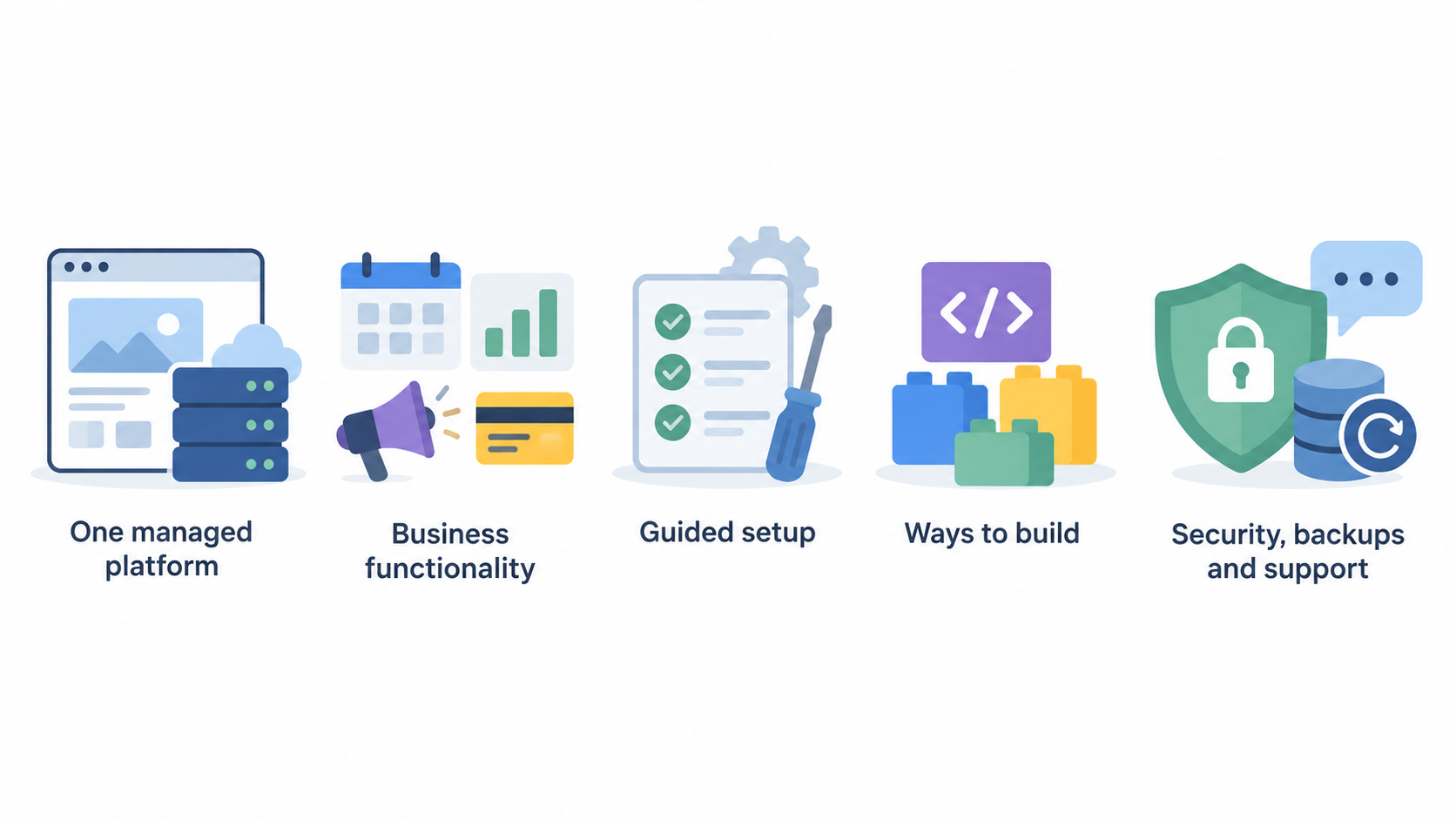
For a typical UK small business, start with Wix when you want the website, hosting, basic marketing tools and a route to taking payments in one managed platform. Its published plans show a clear progression from a simple site to ecommerce, scheduling and larger collaborator allowances, so the decision is mainly about the level of business functionality you need.
Start with Hostinger when you want a hosting-led route but still value a relatively guided setup. Its UK hosting page presents several ways to build—WordPress, a drag-and-drop builder, Node.js, AI-assisted tools and code—alongside included security, backups and support. That makes it a practical first investigation for a business that may want more choice in how it builds or runs its site.
Neither route removes the need for due diligence. Check renewal terms, billing period, domain ownership, backup arrangements and migration implications before paying. TechRadar’s review is positive about Hostinger’s value and usability, while also limiting its recommendation for the most demanding websites.
What this comparison measures
AI-generated illustration — not a retailer product photo.
This guide compares what the supplied sources actually establish: published plan features, the way pricing is presented, included hosting and operational fit. It also uses one independent editorial review as a bounded signal about Hostinger’s usability, feature set and stated caveat for demanding sites.
A website builder is an integrated environment: you create and manage the site within the provider’s platform. A web-hosting-led setup provides a place to run a website but can support different build paths, such as WordPress, a site builder or code. Neither category is automatically better. The useful question is whether your team values a single managed workflow or greater flexibility in how the site is built and maintained.
Do not treat headline monthly figures as directly comparable without checking the terms. Wix states that displayed prices are for yearly subscriptions paid in full and that prices and currency vary by location. Hostinger’s UK page also presents subscription-length-dependent offers. Confirm the current checkout total, renewal price, applicable taxes and plan inclusions for your billing address.
The four options at a glance
AI-generated illustration — not a retailer product photo.
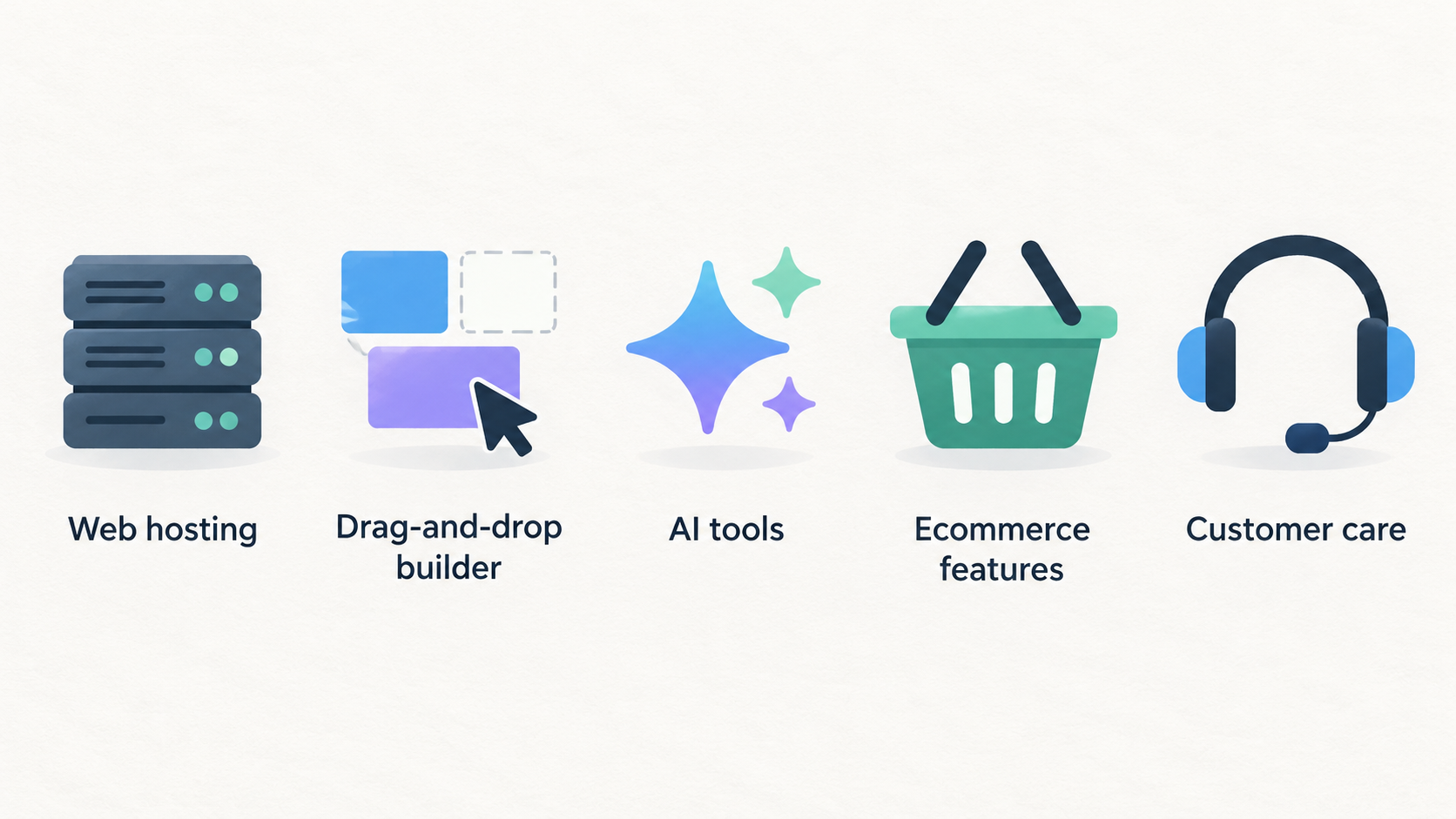
Hostinger is the best-evidenced hosting-led option in this source set. Its UK page combines web hosting with WordPress, a drag-and-drop builder, Node.js, code-oriented options, AI tools, ecommerce features and plans with different storage and backup provisions. It is therefore worth considering when you want one provider but do not want to commit solely to a closed builder workflow.
Wix is best understood as an all-in-one website-management platform. Its published tiers include hosting, a custom domain, AI creation tools and customer care, then add storage, payments, ecommerce, scheduling, marketing and collaborator capacity as you move up the range.
SiteGround and Squarespace belong on a wider shortlist only in principle here. No equivalent current primary or independent evidence for either is supplied, so this article does not rank their plans, pricing, support or portability against Hostinger and Wix. Obtain matching current sources before making a product-specific choice between all four.
Hostinger strengths for practical teams
Hostinger’s published UK offer is broad enough to suit teams that are undecided about their build route. It lists WordPress, a drag-and-drop website builder, Node.js, AI tools and code alongside hosting, rather than forcing every customer into one editor. That can be useful if a simple first site may later need a different content workflow or more technical input.
The lower listed plans include elements that matter operationally: SSL, a CDN, support, storage and weekly backups. Higher listed plans add NVMe storage, daily backups with easier restore, and in the Cloud Startup plan daily and on-demand backups. The page also presents integrated ecommerce, email-related features and plan-specific website allowances. Treat those as plan-selection details rather than a claim that every business needs every feature.
Hostinger frames support as available around the clock and offers a 30-day money-back guarantee. Its current promotional presentation is tied to a selected subscription length, however, so the cheap-looking entry point should not be used as a stand-alone measure of long-term cost.
The independent review provides useful context rather than a guarantee of fit. TechRadar describes Hostinger as easy to use with strong features and attractive pricing, but says it lacks the power for the most demanding websites. That makes it a sensible candidate for beginners, creators and practical teams, while high-traffic or unusually demanding projects should validate their requirements more carefully.
Wix strengths for all-in-one site management
Wix’s appeal is operational consolidation. Its plans page says all paid plans include a custom domain, reliable web hosting, AI creation tools, 24/7 customer care and a 14-day money-back guarantee. A business that prefers to manage fewer moving parts may find that structure easier to evaluate than assembling separate hosting, site-building and commerce services.
The tiering gives buyers a practical decision framework. Light includes 2 GB storage and two collaborators. Core lists 50 GB, basic ecommerce and five collaborators; Business lists 100 GB, standard ecommerce and ten collaborators. Business Elite lists unlimited storage, advanced ecommerce and up to 100 collaborators, as well as more advanced marketing and developer-platform features.
Choose the tier from the work you expect the site to do, not simply from its name. A brochure-style site may need little more than Light, while a team taking payments should compare Core and Business carefully. Larger teams should assess collaborator limits, ecommerce needs and the required marketing depth before choosing a higher plan.
Wix explicitly says its displayed prices are yearly subscriptions paid in full, with prices and currency varying by location and taxes determined by the billing address. Check the UK checkout terms before treating a displayed monthly figure as your actual monthly commitment.
Limitations and upgrade triggers
An initially suitable platform can become less suitable when the site’s workload, team or sales operation changes. For Hostinger, compare the plan’s website allowance, storage, backup frequency and restore options with the work you intend to run. A growing business should also decide whether WordPress, a builder, Node.js or a code-led setup is the route it can realistically maintain.
TechRadar’s caveat is particularly relevant at the upper end: its review says Hostinger does not have the power for the most demanding websites. That is not a precise capacity threshold, so it should prompt requirement testing rather than a blanket exclusion. Teams with high-traffic, specialised or performance-sensitive needs should validate the appropriate plan and support model before committing.
For Wix, upgrade triggers are visible in the plan table: storage, collaborator limits, ecommerce depth, marketing features and developer-platform access change by tier. Consider whether you will need payments, scheduling, more collaborators or more advanced commerce soon, rather than selecting only for today’s brochure site.
For both products, investigate domain control, data-export and migration options before building substantial business processes around a platform. The supplied evidence does not establish equivalent current limitations for SiteGround or Squarespace, so do not assume their trade-offs match either of these two.
Where SiteGround and Squarespace fit
SiteGround and Squarespace can remain viable alternatives, but this evidence set is not sufficient to make responsible product-specific claims about either. In particular, it does not provide current official plan pages or independent reviews showing their UK pricing presentation, support arrangements, ecommerce features, hosting model, backup provisions or migration terms.
Use them as research candidates when your operating model points beyond the two evidenced routes. A business seeking a managed WordPress-oriented option may want to investigate SiteGround; a business prioritising a highly integrated design-led builder may want to investigate Squarespace. Those are research directions, not verified recommendations from the sources supplied here.
Before adding either to a final shortlist, gather equivalent current evidence: the relevant UK plan page, billing and renewal conditions, documented ownership and export options, support coverage, and an independent review with clearly stated testing scope. Then compare those facts directly with the Hostinger and Wix checks in this guide.
Shortlist by business need
For a simple brochure site, investigate Wix Light if an integrated editor and hosting model suits the team, then confirm its annual-billing terms. Investigate Hostinger’s entry hosting plan if you want a choice of builder, WordPress or code-oriented paths while keeping a small project’s operational requirements in view.
For a creator or small brand, Hostinger’s Premium plan is worth examining because the published page combines several build options with more websites and storage than the entry plan. Wix may be the better first research route when the priority is keeping design, hosting and site management in one platform.
For online selling, compare Wix Core, Business and Business Elite by ecommerce level, storage and collaborator needs. Hostinger also publishes integrated ecommerce across the shown hosting plans, but buyers should check the exact workflow and plan inclusions they need before assuming equivalence with Wix’s ecommerce tiers.
For WordPress-led content, Hostinger is the clearest supported starting point because WordPress is explicitly listed as a build path. For an agency, high-traffic project or other demanding site, treat Hostinger’s Cloud Startup option as a plan to investigate—not proof of suitability—and take TechRadar’s demanding-site caveat seriously.
Before buying any plan, check the full checkout price and renewal terms, applicable taxes, who controls the domain, backup and restore provisions, support expectations, collaborator needs, ecommerce requirements and the route you would use if you later migrate.
Frequently Asked Questions
Is a website builder or web hosting better for a UK small business?
Choose a builder when your priority is one integrated environment for building and managing a site. Choose a hosting-led route when you value flexibility in the build path, such as WordPress, a drag-and-drop builder, Node.js or code. The better choice depends on how your team will operate the site, not on a universal ranking.
Should I choose a yearly website plan to get the advertised monthly price?
Do not assume that a displayed monthly figure means monthly billing. Wix says its displayed prices are for yearly subscriptions paid in full, and Hostinger’s published offers vary with subscription length. Review the checkout total, renewal conditions, currency and applicable taxes before paying.
Can I start with a simple website plan and move later?
Usually, begin by identifying the likely upgrade triggers. On Wix, those include storage, collaborators, payments, ecommerce and marketing depth. On Hostinger, examine website limits, storage, backups and the build path you expect to maintain. Also check migration and ownership arrangements before relying on a later move.
What should I check before paying for a domain, hosting or ecommerce plan?
Check the billing term and renewal price, taxes for your billing address, domain ownership, storage, backups and restore options, support, collaborator limits, payment and ecommerce requirements, and your future migration route. Confirm each item against the current checkout and documentation for the precise plan you are considering.
Sources
Related reading
- Hostinger vs SiteGround: hosting features, support and value compared
- Hostinger review: strengths, limits and alternatives for UK websites
- Wix review: practical website-builder assessment for UK small businesses
- How to choose a website builder or web host for your needs
Editorial information: About our editorial team · Read our editorial policy · Read our affiliate disclosure.