
Hostinger vs SiteGround: At-a-Glance Verdict
AI-generated illustration — not a retailer product photo.
Hostinger and SiteGround both publish the essentials a UK small business needs to launch a site: a domain offer, SSL, email, CDN, backups and round-the-clock support on their advertised hosting ranges. The more useful question is not which provider wins universally, but which plan gives your project enough capacity and operational support without making you pay for features you will not use.
Choose Hostinger if you want a flexible build path—AI-assisted tools, a drag-and-drop builder, WordPress, Node.js or code—and your priorities are a first site, several small sites, or a longer-term project with room to add mailboxes and storage. Its published range progresses from one website and weekly backups to unlimited websites with daily or on-demand backup options.
Choose SiteGround if your team values managed WordPress tools, migrations, collaborator access and a more operationally focused setup. Its higher plans add staging and on-demand backups, while its entry plan already publishes daily backups, CDN, email and 24/7 expert support.
For either provider, inspect the exact UK checkout term and selected plan before committing. Published inclusions, domain treatment, backup frequency and storage allowances vary by tier and, in Hostinger’s case, the promoted offer shown is tied to a subscription length.
What Hostinger and SiteGround Both Include
AI-generated illustration — not a retailer product photo.
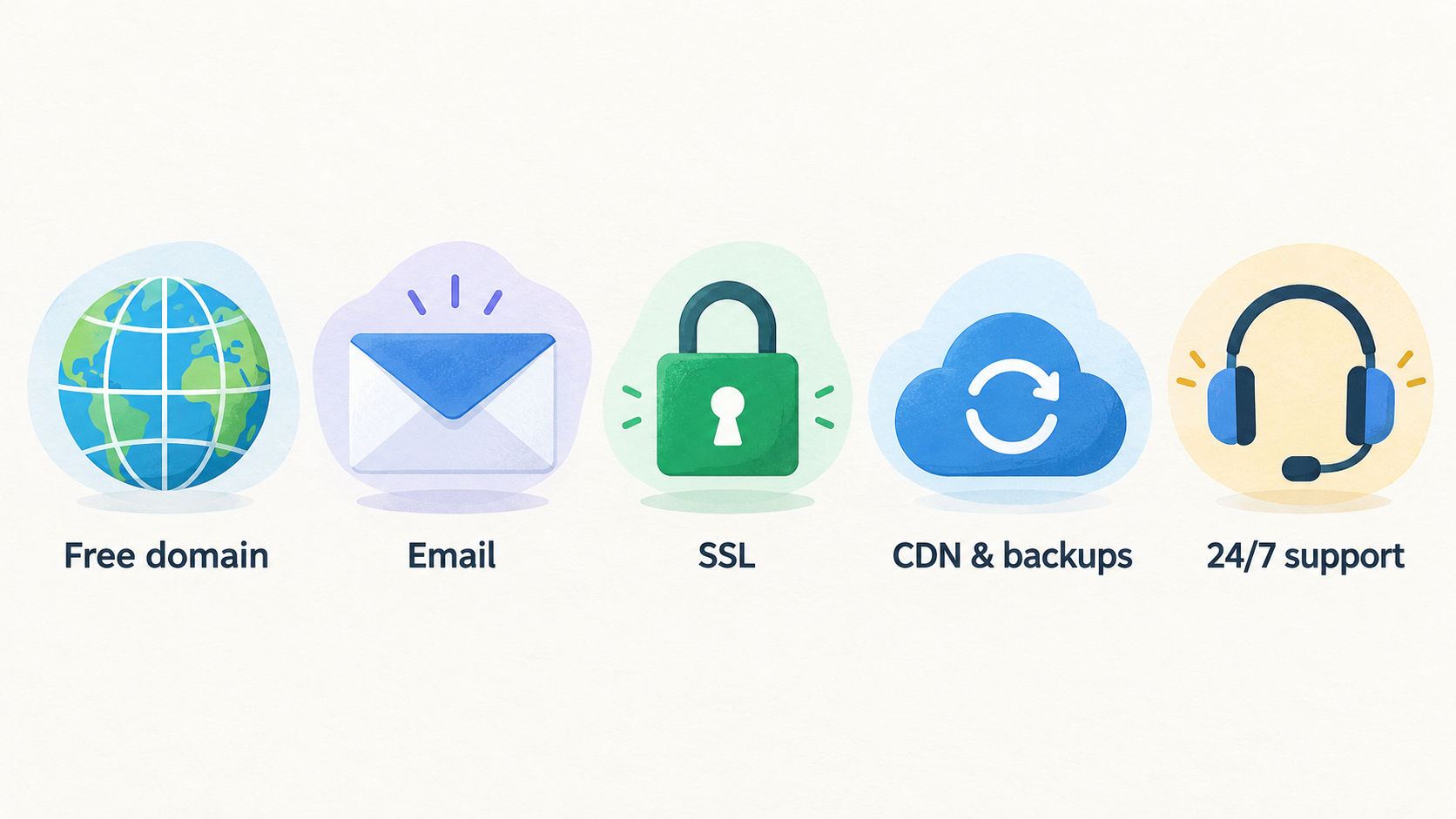
At the baseline level, both providers publish a broad set of features that can remove common setup tasks for a small-business site. Hostinger advertises a free domain, email and SSL, plus CDN, security, backups and 24/7 support. It also presents several ways to build: AI tools, WordPress, a drag-and-drop website builder and code-oriented options.
SiteGround’s UK web-hosting page similarly lists a free domain, free SSL, CDN, backups and email across its advertised plans, together with 24/7 expert support. It also includes its own website builder and WordPress-oriented features such as free site migrations, managed autoupdates, WP-CLI and SSH. That makes the shared baseline stronger than a bare server-and-control-panel purchase: each provider is positioning its plans as an all-in-one route to getting a standard business website live.
The important caveat is that “included” does not always mean identical. SiteGround’s published plan levels differ in website allowance, storage and advanced workflow features. Hostinger’s plans vary in website count, storage type and size, backup cadence, mailbox allowance and the duration of some domain and email offers. Treat the plan comparison as a starting checklist, then confirm the selected configuration at UK checkout.
If you are new to the terminology, start with a web hosting basics guide and then use a host-selection checklist to match features to the way you will actually run the site.
Hostinger Strengths for Small Teams
AI-generated illustration — not a retailer product photo.
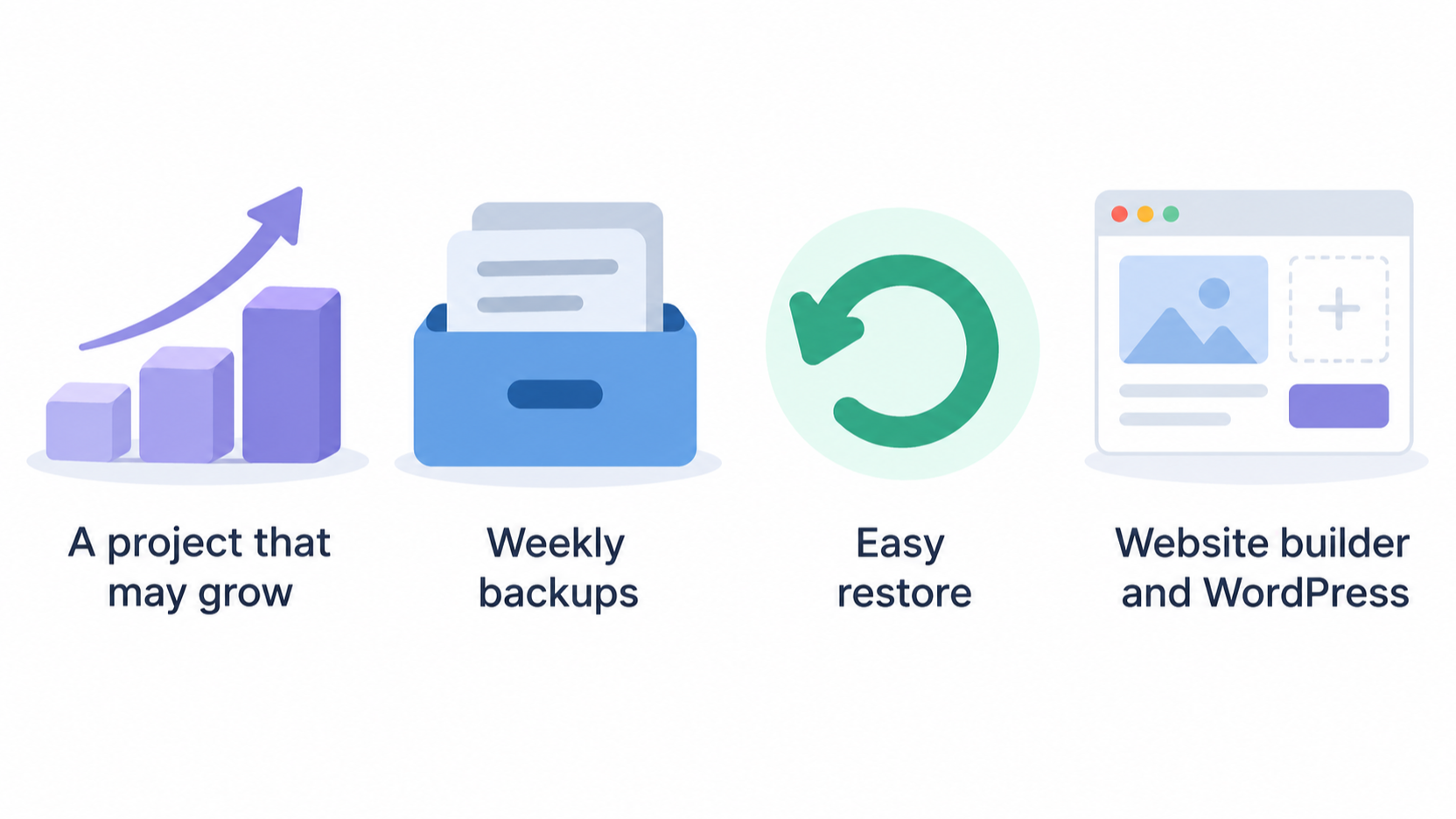
Hostinger’s published range is easy to read as a progression for a project that may grow. The Single plan is presented for a first website, with one website, 10 GB SSD storage and weekly backups. Premium raises the allowance to three websites and 20 GB SSD storage, while Unlimited moves to unlimited websites, 50 GB NVMe storage and daily backups with easy restore. Cloud Startup is positioned for agencies or higher-traffic projects and publishes 100 GB NVMe storage plus daily and on-demand backups.
That structure can suit independent creators and small teams that do not want to choose between a website builder and WordPress on day one. Hostinger lists AI tools, a drag-and-drop builder, WordPress, Node.js and vibe-coding options across the range, alongside ecommerce tools and CDN. The higher tiers also publish broader email capacity: Unlimited lists unlimited mailboxes per website, whereas Premium lists two mailboxes per website for one year.
The practical attraction is choice and room to grow, rather than an automatic value claim. The promotional configuration in the supplied UK page is shown at a 48-month subscription length, and some domain or email benefits are described as free for one year. A long commitment may be a sensible fit for an established project, but it is a decision to make deliberately. If you are still choosing how to build, compare a website builder with WordPress before choosing the plan.
SiteGround Strengths for Managed Growth
SiteGround’s published range is especially relevant when the website is a managed WordPress workflow rather than simply a place to host files. All advertised plans include free site migrations, managed WordPress autoupdates, WP-CLI and SSH, as well as a website builder, collaborators, multilevel caching and enhanced security. For a team taking over an existing WordPress site, a documented migration path and managed updates can be more consequential than a long list of optional creation tools.
Its StartUp plan is for one website with unlimited traffic and 10 GB of Premium Google storage. GrowBig raises the published allowance to unlimited websites and 50 GB storage, and adds on-demand backups, 30% faster PHP and staging. GoGeek continues to unlimited websites with 100 GB storage and is presented as the higher-power option. Staging and on-demand backups are most useful when a team needs to test a change before publishing it or create an extra restore point; they are not automatically necessary for every brochure site.
SiteGround also publishes free daily backups and 24/7 expert human support across its plans. An independent TechRadar review offers a qualified complementary view: it describes SiteGround as strong on speed and reliability, and calls its round-the-clock support helpful, while also flagging comparatively limited storage and upselling. That is useful context, but it should not replace a check of the plan you intend to buy.
Teams comparing operational tools in more depth can use a managed WordPress hosting guide and a website migration checklist.
Limitations and Trade-Offs to Check
Hostinger’s constraints are mainly plan-level. The published Single plan has one website, 10 GB SSD storage and weekly backups; Premium has three websites, 20 GB SSD storage and two mailboxes per website for one year. Daily backups and 50 GB NVMe storage appear on Unlimited, while Cloud Startup adds 100 GB NVMe storage and on-demand backups. A buyer who needs routine restore flexibility, many sites or many mailboxes should therefore avoid choosing only from a headline offer.
Subscription conditions also matter. The supplied Hostinger page displays a 48-month term for its promoted prices, and several benefits are described as free for a year. That does not make the offer unsuitable, but it means value should be assessed over the term you are prepared to commit to, with current checkout conditions checked before purchase.
SiteGround’s published storage ceilings are 10 GB on StartUp, 50 GB on GrowBig and 100 GB on GoGeek, despite unlimited traffic and, on the latter two tiers, unlimited websites. For a media-heavy site or a team with unusually high storage needs, those figures may be the first reason to compare alternatives. TechRadar similarly characterises storage as a relative weakness and notes upselling in its review. Neither point means every SiteGround customer will hit a problem; it means storage and add-ons deserve explicit scrutiny.
Read how hosting renewal costs work alongside the current UK checkout page rather than assuming a promotional term will answer every budget question.
Hostinger and SiteGround Feature Comparison
| Operating feature | Hostinger published range | SiteGround published range |
|---|---|---|
| Website allowance | 1 on Single, 3 on Premium, unlimited on Unlimited and Cloud Startup | 1 on StartUp; unlimited on GrowBig and GoGeek |
| Storage | 10 GB SSD, 20 GB SSD, 50 GB NVMe or 100 GB NVMe by tier | 10 GB, 50 GB or 100 GB Premium Google storage by tier |
| Backup cadence | Weekly on Single and Premium; daily on Unlimited; daily and on-demand on Cloud Startup | Daily backups on all advertised plans; on-demand backups from GrowBig |
| Domain treatment | A free-domain offer is published; several tiers specify free for one year | Free domain listed across advertised plans |
| Free mailbox on Single; two mailboxes per site on Premium; unlimited mailboxes per site on Unlimited, with terms shown on the page | Free email listed across advertised plans | |
| CDN and SSL | CDN and free SSL are published | Free CDN and SSL are published |
| Support | Priority 24/7 expert support is published | 24/7 expert human support is published |
| Build and WordPress paths | AI tools, builder, WordPress, Node.js and code-oriented options are published | Website builder, migrations, managed autoupdates, WP-CLI and SSH are published |
| Growth workflow | Higher tiers add more sites, NVMe storage and stronger backup options | GrowBig adds staging, faster PHP and on-demand backups; collaborators are listed across plans |
For a first site, either entry tier can cover a conventional business presence, but compare storage and backup cadence before deciding. For several sites, Hostinger’s Unlimited plan and SiteGround’s GrowBig or GoGeek plans all publish multi-site capacity, with different storage and restoration arrangements. For a WordPress team, SiteGround’s migration, managed-update and staging tools may be decisive. For a team that expects to make frequent changes or needs extra recovery control, compare Hostinger Cloud Startup’s on-demand backups with SiteGround GrowBig’s on-demand backup and staging features.
Use a small-business hosting checklist or a broader WordPress hosting comparison to turn this matrix into requirements for your own site.
Alternatives Worth Considering
Do not force a Hostinger-versus-SiteGround decision when your requirements lie outside the published strengths of both ranges. A fast-growing ecommerce operation, a site with unusually large media libraries, or a business that needs specialised managed WordPress services may need a wider shortlist. The published storage limits are particularly worth comparing where video, photography or large downloadable files are central to the business.
Likewise, a buyer who prefers a different contract structure should compare more than the promoted term currently displayed by either provider. Hostinger’s supplied page foregrounds a 48-month subscription configuration, while SiteGround’s plan cards are shown prepaid for 12 months. These are useful reference points, not a substitute for checking the current payment options, VAT treatment and renewal conditions at checkout.
Start with a UK web-hosting comparison if you need broader alternatives. If managed WordPress is the non-negotiable requirement, use a best managed WordPress hosting guide to narrow the field based on workflow, migration and support needs rather than a generic winner label.
Frequently Asked Questions
Is Hostinger or SiteGround better for a first small-business website?
Either can fit a first site because both publish a domain offer, SSL, email, CDN, backups and 24/7 support. Hostinger’s Single plan is explicitly presented for a first website and publishes 10 GB SSD storage with weekly backups. SiteGround’s StartUp plan publishes one website, 10 GB storage and daily backups. Choose based on your preferred build path and whether daily backups or Hostinger’s broader creation options matter more for your workflow.
Which provider publishes stronger support for a managed WordPress workflow?
SiteGround publishes a more explicitly managed WordPress toolset in the supplied evidence: free migrations, managed autoupdates, WP-CLI, SSH, collaborators and, on GrowBig, staging and on-demand backups. Hostinger also publishes WordPress support and priority 24/7 expert support, so it remains a viable option. SiteGround is the more direct published match when migration and controlled WordPress changes are central.
Do both Hostinger and SiteGround include backups and a free domain?
Both pages advertise a free-domain offer and backups, but the details differ. Hostinger lists weekly backups on Single and Premium, daily backups on Unlimited, and daily plus on-demand backups on Cloud Startup; some domain wording specifies one year. SiteGround lists a free domain and free daily backups across its advertised plans. Confirm the selected term and plan at UK checkout.
What should UK buyers check before choosing a promotional hosting term?
Check the exact subscription length, which domain and email benefits are time-limited, backup frequency, storage allowance, number of websites and mailboxes, and the restoration or staging tools you need. The supplied Hostinger promotion is displayed with a 48-month term, while SiteGround’s shown plans are prepaid for 12 months. Current pricing, renewals, VAT and checkout conditions should be verified directly before purchase.
For a final shortlist, use the web hosting buying guide to write down your required storage, backup and workflow features before comparing live UK plan pages.
Sources
Related reading
- Best website builders and web hosting for UK small businesses: evidence-led choices
- Hostinger review: strengths, limits and alternatives for UK websites
- SiteGround review: who it suits and who should skip it
- How a website platform should fit your workflow and perform over time
Editorial information: About our editorial team · Read our editorial policy · Read our affiliate disclosure.